
Product costs
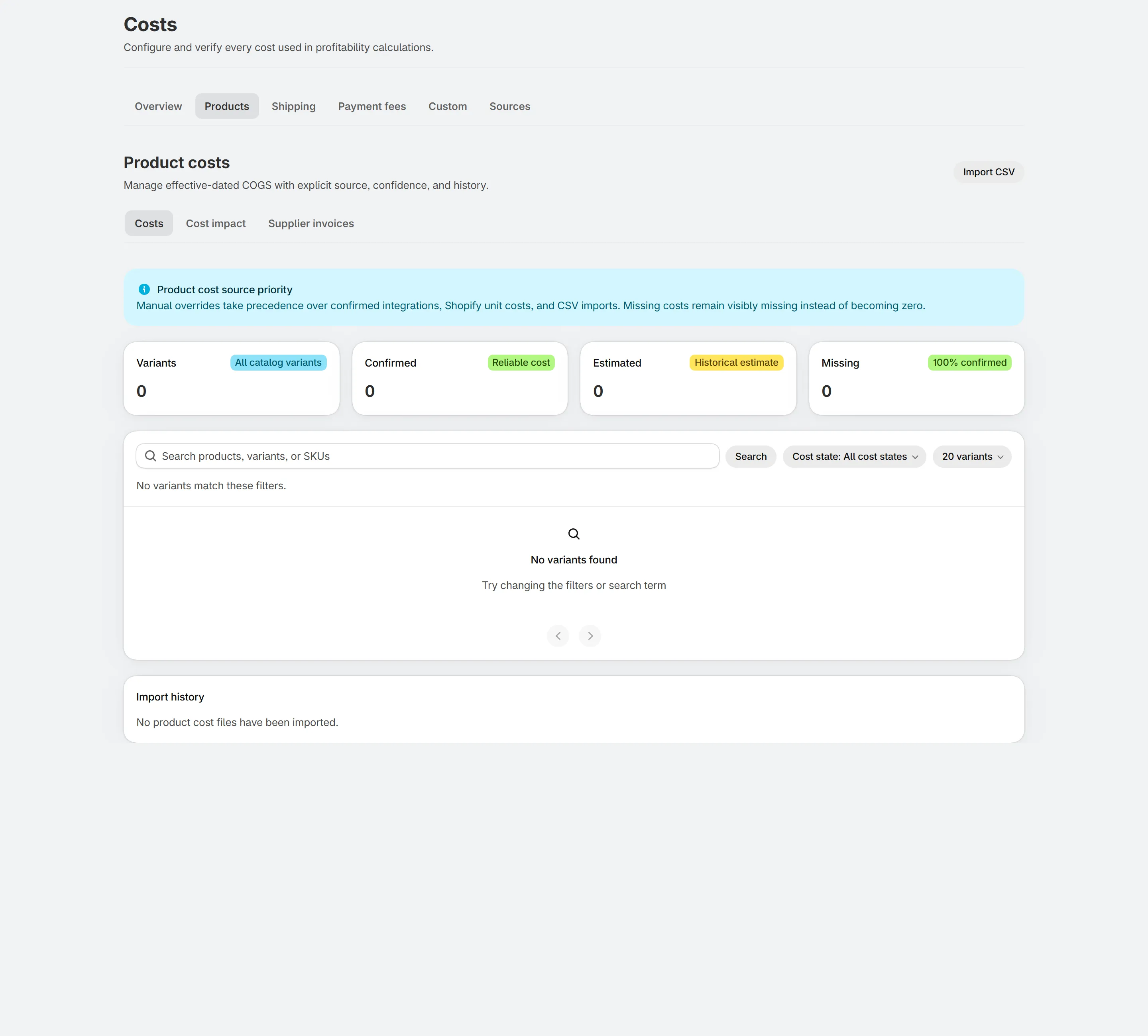
Shown with sample data.
Effective-dated costs
Section titled “Effective-dated costs”Each cost applies from its effective date. Add a new cost when a supplier changes price; earlier orders keep the old cost.
Import
Section titled “Import”Download the CSV template, fill it in and import. You see a preview of every change before it is applied, and each import is kept in history.
Filters
Section titled “Filters”Filter by cost state (missing, confirmed and more) to find products that still need a cost. Sort by revenue to fix the products that matter most first.
What changes when you edit a cost
Section titled “What changes when you edit a cost”Optifin recalculates the affected orders and shows the impact on profit for the period.
Related
Section titled “Related”Still stuck? Email [email protected].