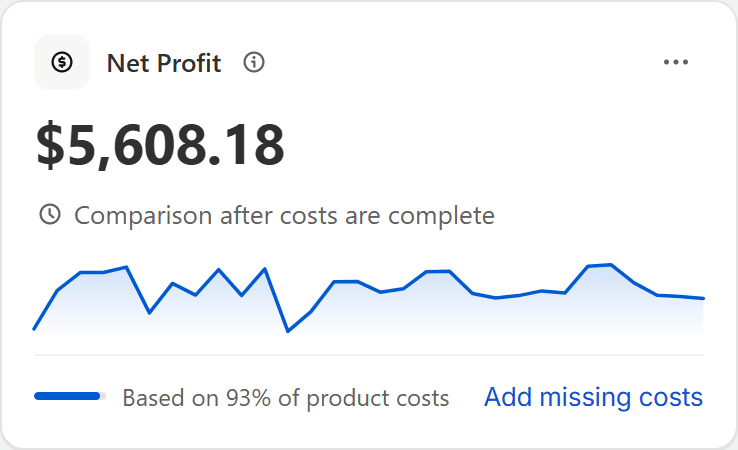
Coverage on every card
A note such as “Based on 93% of product costs” appears the moment a number rests on incomplete inputs, with a link to finish them.
Profit analytics for Shopify
Optifin adds product costs, fees, shipping, ads and operating costs to your Shopify sales, then shows exactly how complete every number is.
Works inside your Shopify admin Free Starter plan Read-only access to your store
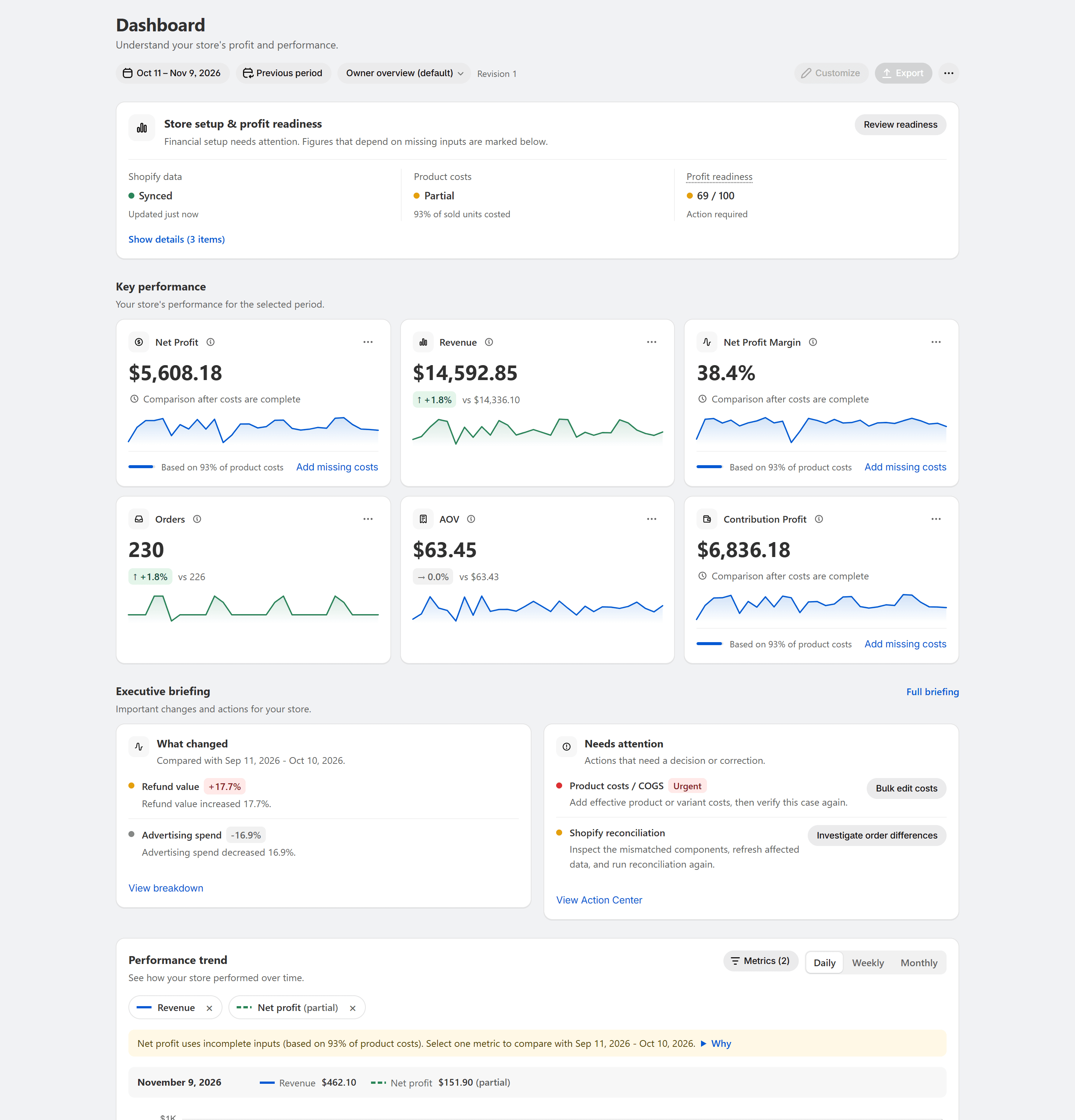
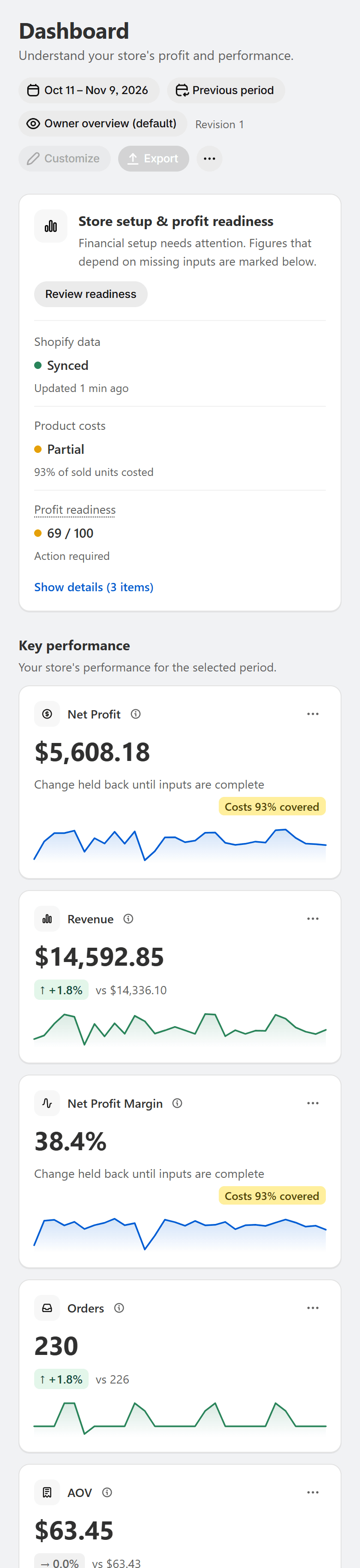
Shown with sample data.
The problem
Every order carries costs Shopify does not subtract: the product, the shipping label, the payment fee, the ads that brought the customer and the cost of running the store.
Example store, 30 days.
Numbers you can trust
Most profit apps show a number. Optifin shows the number and what it is based on, so a missing cost never quietly inflates your profit.
A note such as “Based on 93% of product costs” appears the moment a number rests on incomplete inputs, with a link to finish them.
Products without a cost are flagged and listed, not counted as free.
When a change would mislead, it is held back and the reason is shown.
Cards, charts, the Profit and Loss report and every export come from the same engine, so they always agree.
Product tour
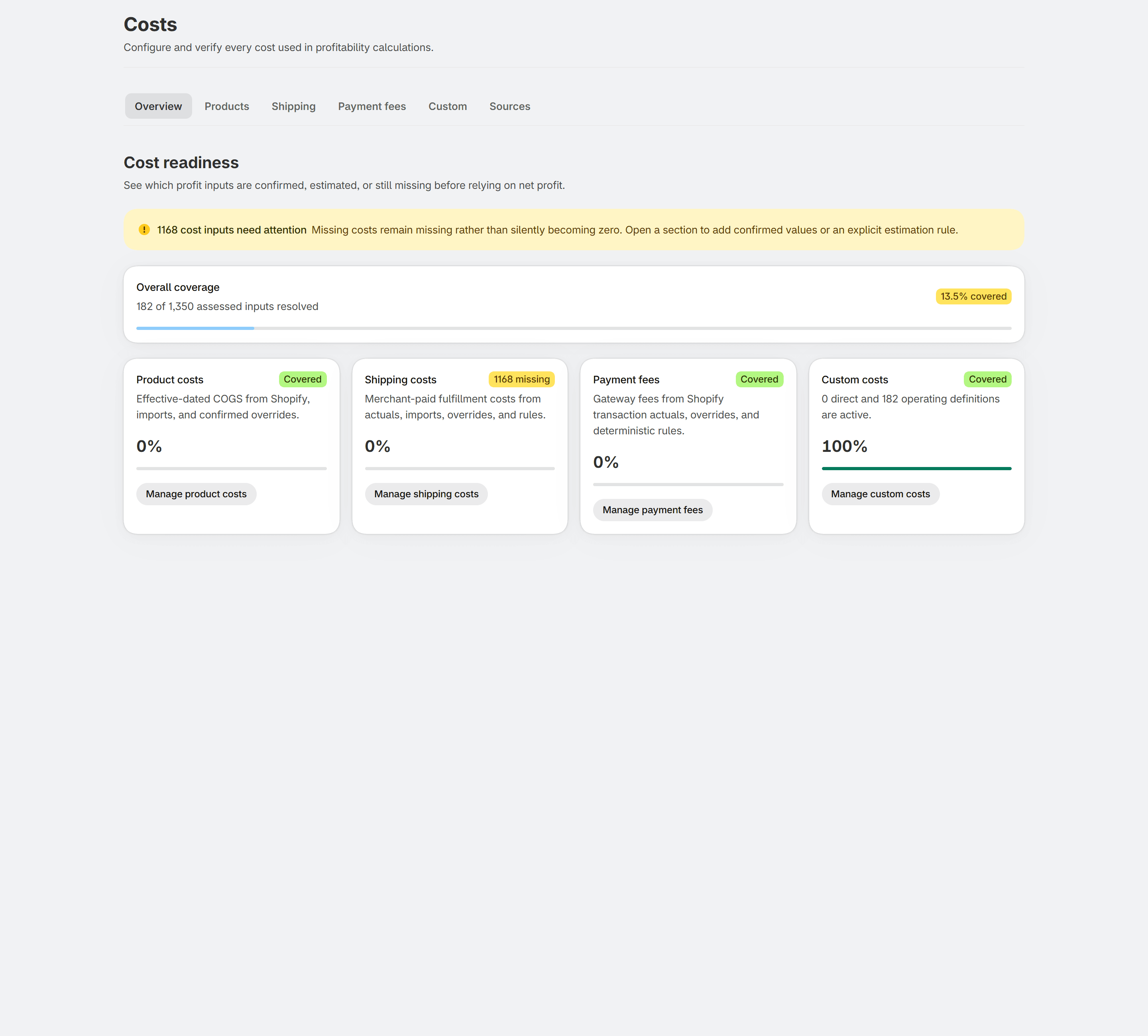
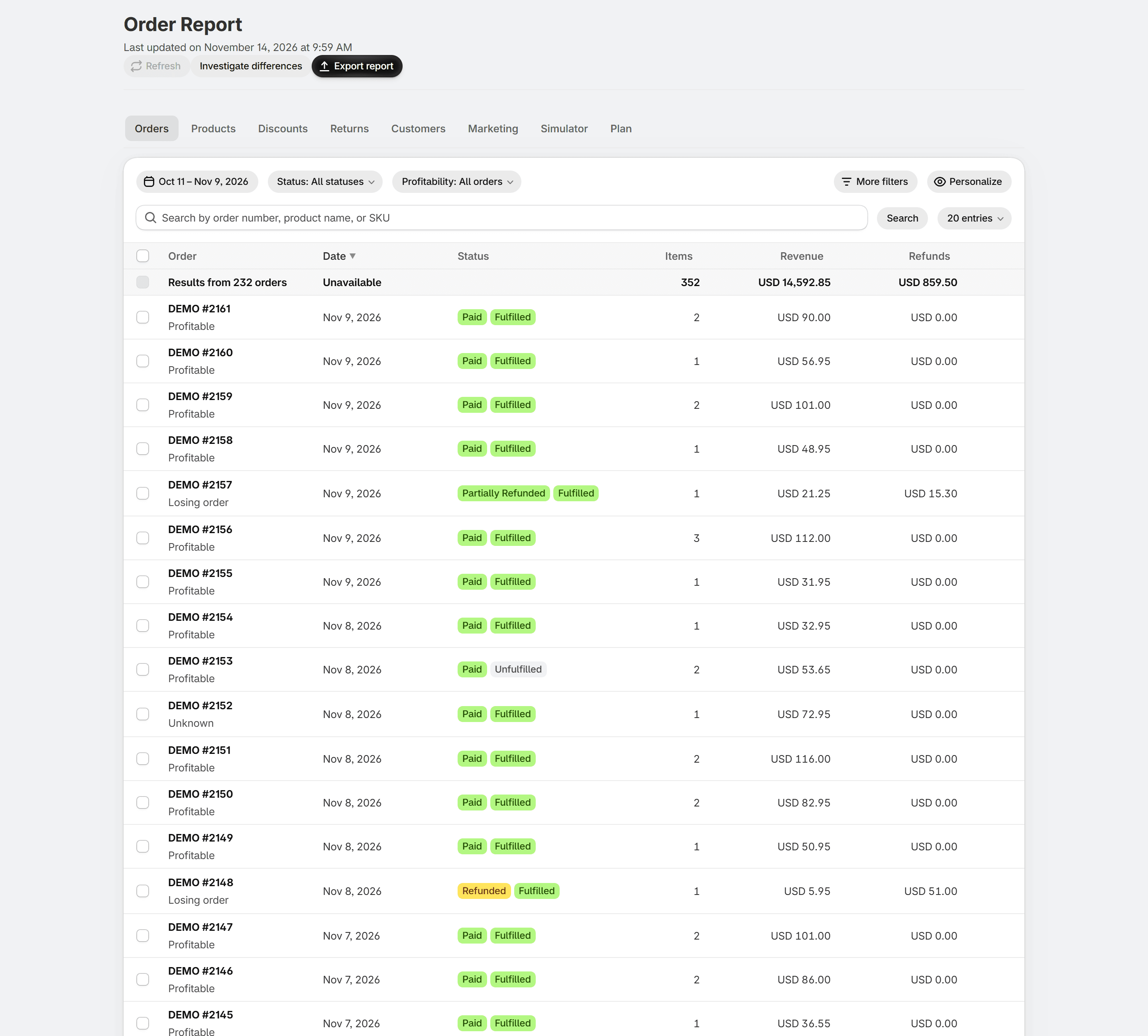
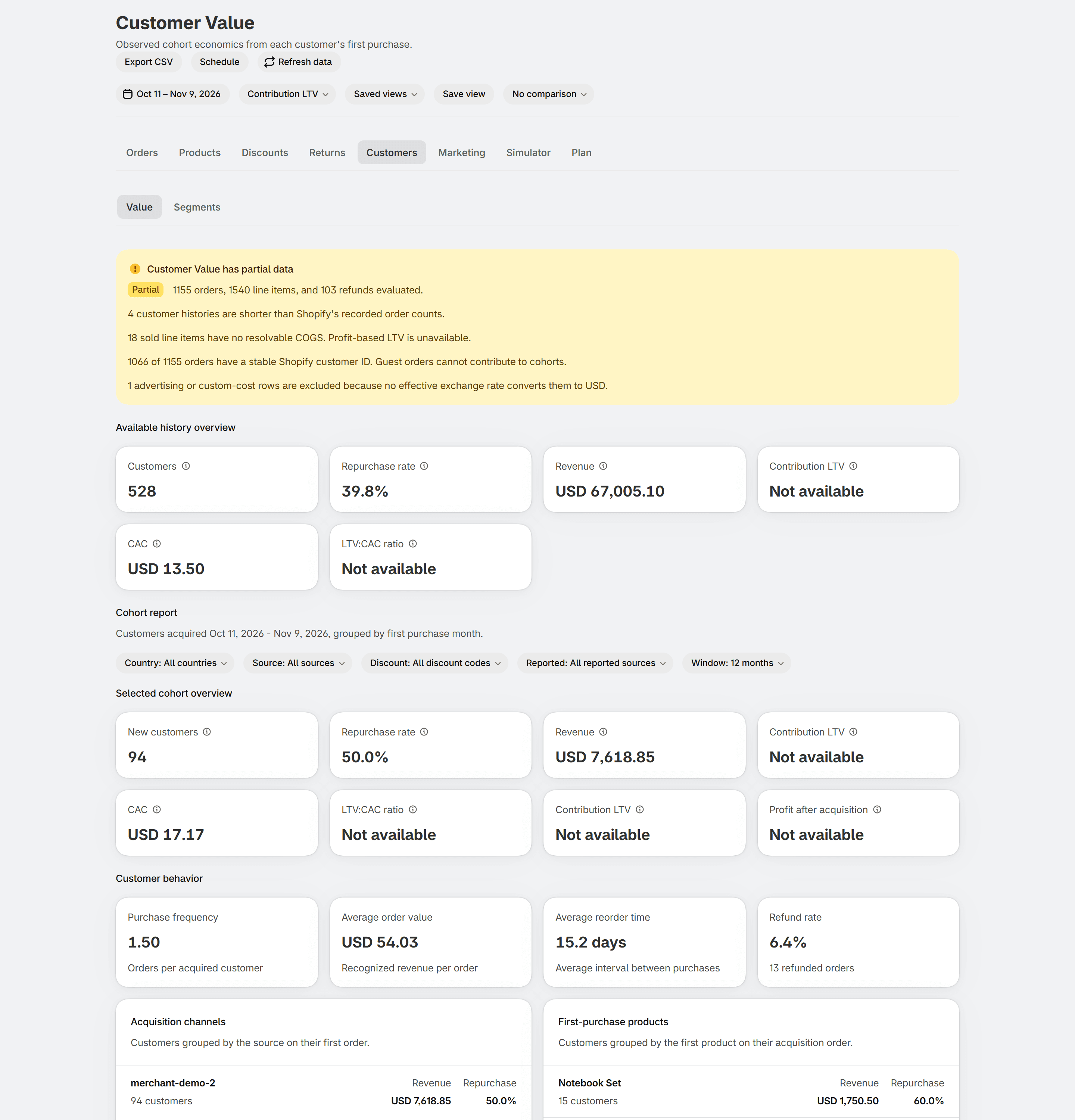
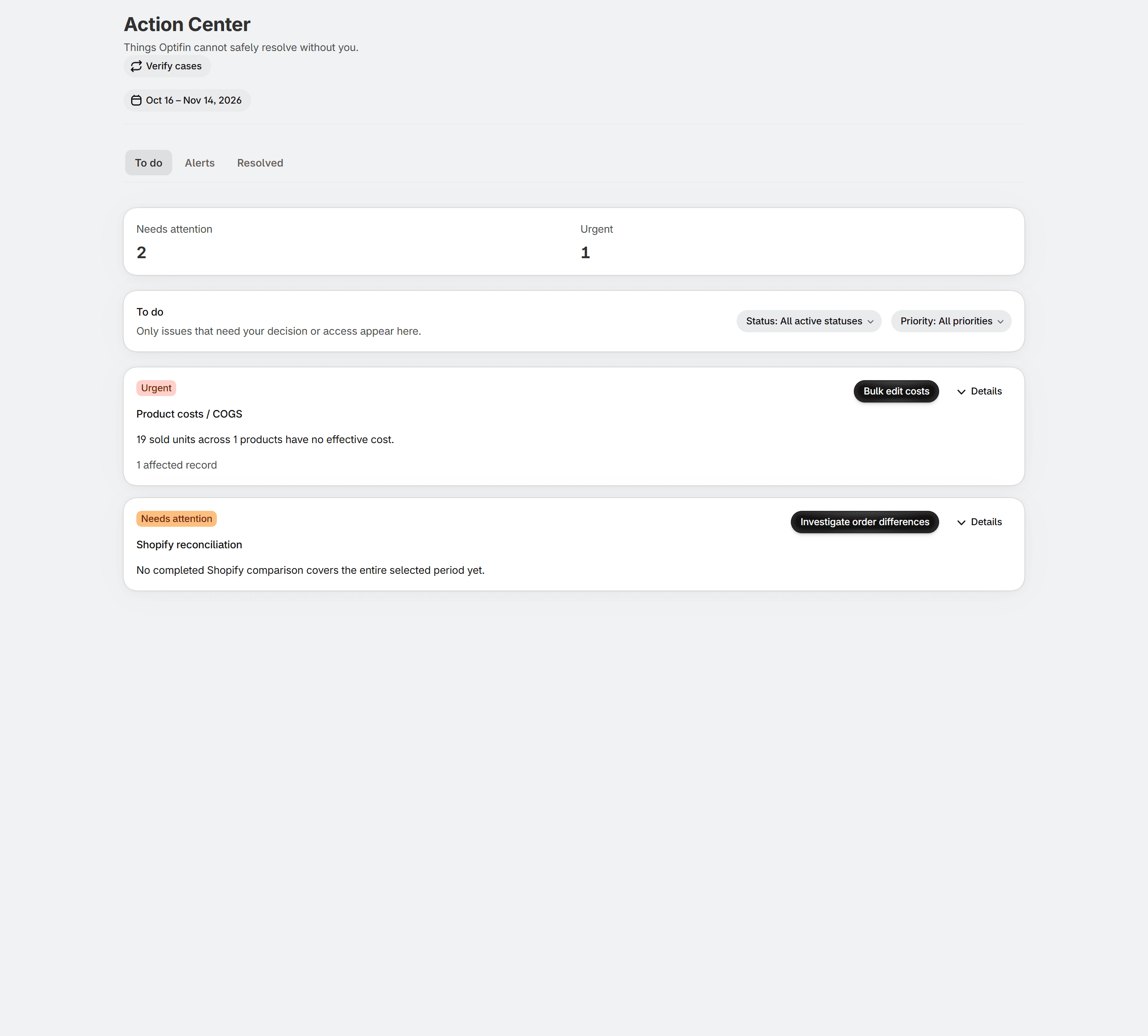
Shown with sample data.
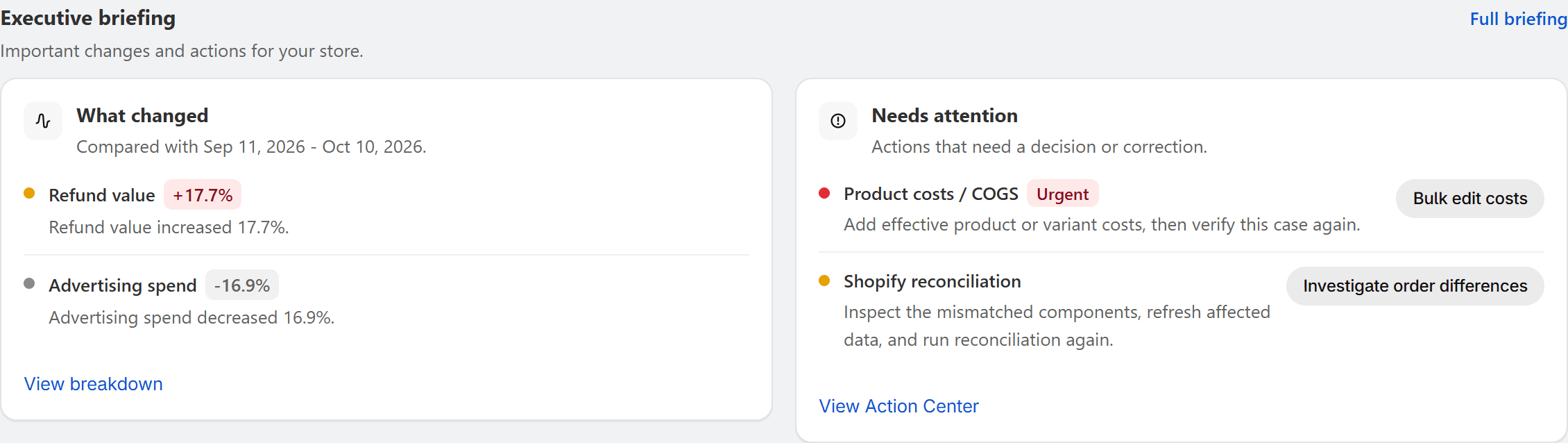
Executive briefing
The briefing compares the period with the one before, picks the changes that matter and puts the actions beside them.
Everything included
See net profit, revenue, margin, orders and contribution profit for any period, with coverage on every card and comparisons that pause when they would mislead.
Explore CostsProduct costs with effective dates, shipping, payment fees and your own operating costs. Optifin shows how much of each is covered and what changes when you edit a cost.
Explore Orders & productsOpen any order to see exactly how its profit was calculated, and rank products by real profit, not just sales.
Explore CustomersCustomer lifetime value on revenue and on profit, retention curves, cohorts and segments built on contribution, not just order counts.
Explore Alerts & email reportsA daily profit email, scheduled reports and alerts when profit, costs or data move unusually, all with the same coverage notes as the app.
Explore ReportsA Profit and Loss report for any period, plus a custom report builder with templates and exports.
Explore Action CenterMissing costs, unusual changes and data issues turn into cases with clear next steps, so you fix what matters first.
Explore Simulator & planningSee what a price change, cost change or new ad budget does to profit, and plan your months and quarters against actual results.
ExploreComing soon
A saved report kept in sync with a spreadsheet you choose.
Ad spend imported and set against Shopify profit.
TikTok, Microsoft, Pinterest and Snapchat ad spend set against profit.
Choose whether higher is better or worse, and insert metrics into formulas.
Pricing
Billed through Shopify. Change plans or cancel any time.
Free
For new and small stores
$19.99/month base
500 orders included, then $0.02 per order up to 2,000. Maximum $49.99 a month.
$49.99/month base
2,000 orders included, then $0.01 per order up to 10,000. Maximum $129.99 a month.
Yes. You install it from the Shopify App Store and use it inside your Shopify admin. There is no separate account or login.
Product costs can come from Shopify's cost per item, a CSV import or manual entry. Shipping, payment fees and your own operating costs are added with simple rules.
Optifin shows it. Cards carry a note such as “Based on 93% of product costs”, and a missing cost is never counted as $0. The Action Center lists what to fix.
Shopify reports sales; Optifin subtracts costs Shopify does not track. Timezone, refunds and tax settings can also differ. The docs explain every difference, and the reconciliation view compares the two.
Optifin only reads data from Shopify, keeps every store's data separate, and does not intentionally store customer names, emails or addresses. Uninstalling removes access immediately.
Yes. Billing runs through Shopify, and you can change plans or uninstall at any time from your Shopify admin.